
How to run DeepSeek R1 70B on a rented RTX 4090
The open reasoning model everyone is talking about, on a $129/mo card. What fits, what does not, and the settings that make chain-of-thought actually usable.
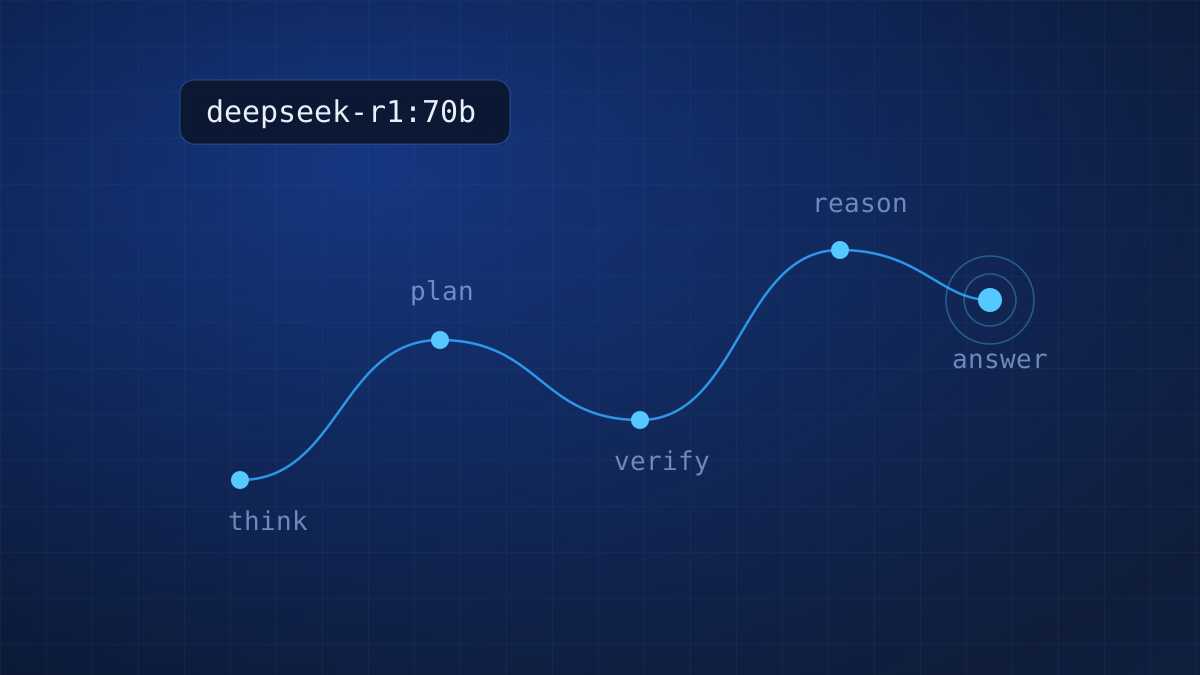
DeepSeek R1 changed the local AI conversation. It is the first open-weights model where you can watch the reasoning happen: it thinks out loud, checks itself, and then answers. For math, code review and anything multi-step, the difference against a standard chat model is not subtle.
The 70B distill is the version worth running, and it fits on a single RTX 4090 if you respect the memory math. This guide gets you from an empty instance to streaming reasoning chains in about 15 minutes.
The memory math first
R1-Distill-70B at the default Q4_K_M quantization weighs about 40 GB on disk and roughly 20 GB of active weights once loaded. The 4090 has 24 GB of VRAM; our instance pairs it with 64 GB of system RAM. Ollama splits automatically: the bulk of the layers live on the GPU, the spill lives in RAM, and you still get conversational speed.
Two honest caveats. First, reasoning models generate a lot of tokens before the answer, so a response that reads as three sentences may cost two thousand thinking tokens. On a metered API that habit is expensive; on flat hardware it is free, which is precisely why R1 and rented GPUs are such a good match. Second, keep context at 8k unless you need more: KV cache grows fast on 70B models.
1. Deploy and connect
Deploy a GPU RTX 4090 instance with the Ubuntu 24.04 + CUDA template from your panel, then:
ssh root@YOUR_SERVER_IP
nvidia-smi
Confirm the card shows 24576 MiB. Drivers and CUDA 12 come preinstalled on the template, so there is nothing else to prepare.
2. Install Ollama and pull R1
curl -fsSL https://ollama.com/install.sh | sh
ollama pull deepseek-r1:70b
The download is about 40 GB. On our unmetered ports that is a coffee, not an afternoon. Then start it:
ollama run deepseek-r1:70bAsk it something with actual structure, for example a scheduling problem or a code review, and you will see the <think> block stream first, followed by the final answer.
3. Settings that matter
DeepSeek publishes recommended sampling for R1 and it genuinely matters: temperature 0.6, top_p 0.95, and no system prompt (put instructions in the user message instead). Create a tuned variant once and reuse it:
cat <<'EOF' > Modelfile
FROM deepseek-r1:70b
PARAMETER temperature 0.6
PARAMETER top_p 0.95
PARAMETER num_ctx 8192
EOF
ollama create r1-tuned -f Modelfile
Now ollama run r1-tuned always launches with sane settings.
4. What speed to expect
On this exact configuration we measure 12 to 18 tokens per second at 8k context. Because R1 front-loads its thinking, perceived latency to the final answer is longer than a chat model; for agent pipelines and batch review jobs, nobody is watching the stream anyway and throughput is what counts.
deepseek-r1:32b fits fully in the 4090's VRAM and streams at 35+ tokens per second. It keeps most of the reasoning quality and is our pick for interactive use. The 14b runs happily even on the RTX 3060 at $59/mo.Serve it to your apps
Ollama already exposes an OpenAI-compatible API on port 11434. Keep it private and tunnel over SSH from your laptop:
ssh -L 11434:localhost:11434 root@YOUR_SERVER_IPPoint any OpenAI SDK at http://localhost:11434/v1 with model r1-tuned and your tools now reason on your hardware, with your data never leaving the box.
The bill at the end of the month
A reasoning model that emits thousands of thinking tokens per request is the worst possible customer for per-token pricing, and the best possible tenant for a flat GPU. Heavy R1 usage through a metered API lands in the hundreds of dollars; here it is $129, full stop, and the same card also serves your 8B daily driver, your Whisper jobs and whatever else you want to host.
Reasoning is the first workload where owning the hardware is not just cheaper. It changes how much thinking you let your tools do.
Sizing questions or a different model in mind? Check the model library or ask us directly.
Run R1 on your own 4090
$129/mo flat. Unlimited thinking tokens, because they are yours.