
Self-hosting n8n + local AI: automations that never phone home
One server, two containers, zero API keys. How to wire n8n to a local Llama so your automations summarize, classify and reply without a single prompt leaving your box.
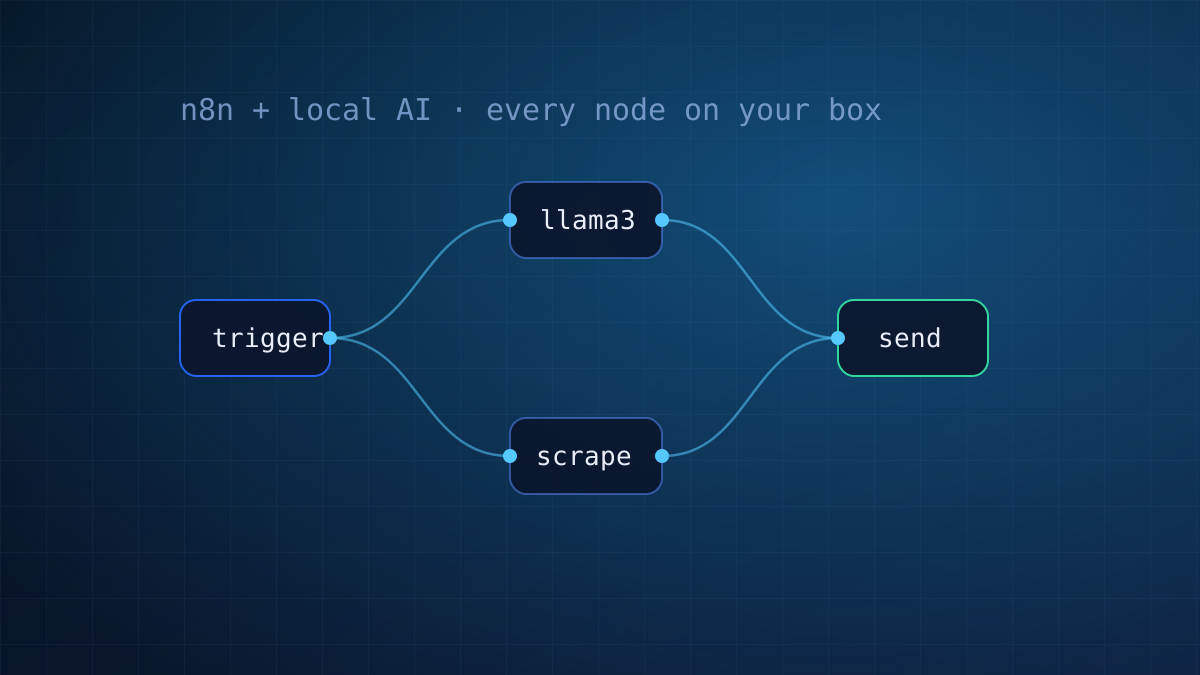
n8n is the self-hoster's Zapier: 400+ integrations, visual workflows, runs anywhere Docker runs. Add a local model next to it and something clicks: every "AI step" in your automations becomes free, private and rate-limit-proof. The emails you classify, the leads you summarize, the tickets you triage: none of it touches a third party.
This is the stack we run ourselves. Here is the whole setup on one Locally server.
Pick the right box
Two workable tiers. On a VPS Pro ($24.99, 8 vCPU / 16 GB), n8n plus a quantized 8B model on CPU handles background jobs fine at 8-12 tok/s: nobody watches a cron job stream. If your flows process real volume or need snappy replies, the RTX 3060 instance ($59) runs the same model at 65+ tok/s with room to spare. Both come with the Docker template.
1. Ollama, the engine
curl -fsSL https://ollama.com/install.sh | sh
ollama pull llama3.1:8b
Ollama listens on localhost:11434 with an OpenAI-compatible API. Since n8n will run in Docker on the same machine, let Ollama accept the Docker bridge:
systemctl edit ollama
# add:
[Service]
Environment="OLLAMA_HOST=0.0.0.0:11434"
systemctl restart ollama
2. n8n, the wiring
docker volume create n8n_data
docker run -d --restart unless-stopped --name n8n \
  -p 5678:5678 \
  -e N8N_SECURE_COOKIE=false \
  -v n8n_data:/home/node/.n8n \
  docker.n8n.io/n8nio/n8n
Do not expose 5678 to the world. Reach it over an SSH tunnel from your laptop:
ssh -L 5678:localhost:5678 root@YOUR_SERVER_IPOpen http://localhost:5678, create your account, done.
3. Connect them
In n8n, add an OpenAI Chat Model credential and point it at your own engine: Base URL http://172.17.0.1:11434/v1 (the Docker bridge back to the host), any string as the API key, model llama3.1:8b. Every AI node in n8n, from simple prompts to full agents with tools, now runs against your hardware.
Three recipes to steal
- Inbox triage. IMAP trigger → local model classifies (sales / support / spam / urgent) → Telegram alert for urgent, label the rest. Every subject line stays on your server.
- Lead enricher. Webhook from your site form → HTTP node fetches the lead's website → model writes a 3-line brief and a suggested opener → row lands in your sheet. Cold outreach prep on autopilot.
- Changelog watcher. Cron → RSS of tools you depend on → model filters "breaking changes only" → weekly digest to Discord. The noise never reaches you.
Keep it healthy
- Snapshot after wiring. One click in the panel; your flows and credentials are instantly recoverable.
- Watch memory.
docker statsplusollama psshows both tenants. An 8B Q4 and n8n coexist comfortably in 16 GB. - Version your prompts. Keep the system prompts of important flows in a git repo; n8n workflows export as JSON and diff beautifully.
The best automation stack is the one you can leave running for a year without a bill surprise or a data question. One box, two containers, your rules.
Both pieces are one-click at deploy on the templates page. Sizing doubts? The plan finder or a human will sort you out.
One server. Every automation.
n8n + local AI runs from $24.99/mo on CPU, or $59 with a GPU.